The Complete Guide to AI-Powered Product Video Ads
Why Product Video Ads Are Essential in 2026
Product video ads have become the most effective format for digital advertising. Across every major platform — Google, Meta, TikTok, and YouTube — video ads consistently outperform static image ads in engagement rate, click-through rate, and conversion rate.
The data is compelling:
- Video ads generate 1200% more shares than text and image content combined
- Product pages with video see 80% higher conversion rates
- Social media algorithms prioritize video content, delivering more impressions at lower costs
- Viewers retain 95% of a message when watching video compared to 10% when reading text
Despite these advantages, many businesses — particularly small and medium enterprises — have been unable to leverage product video advertising due to the high cost and complexity of traditional video production. AI-powered product video generation eliminates these barriers.
The AI Product Video Ad Workflow
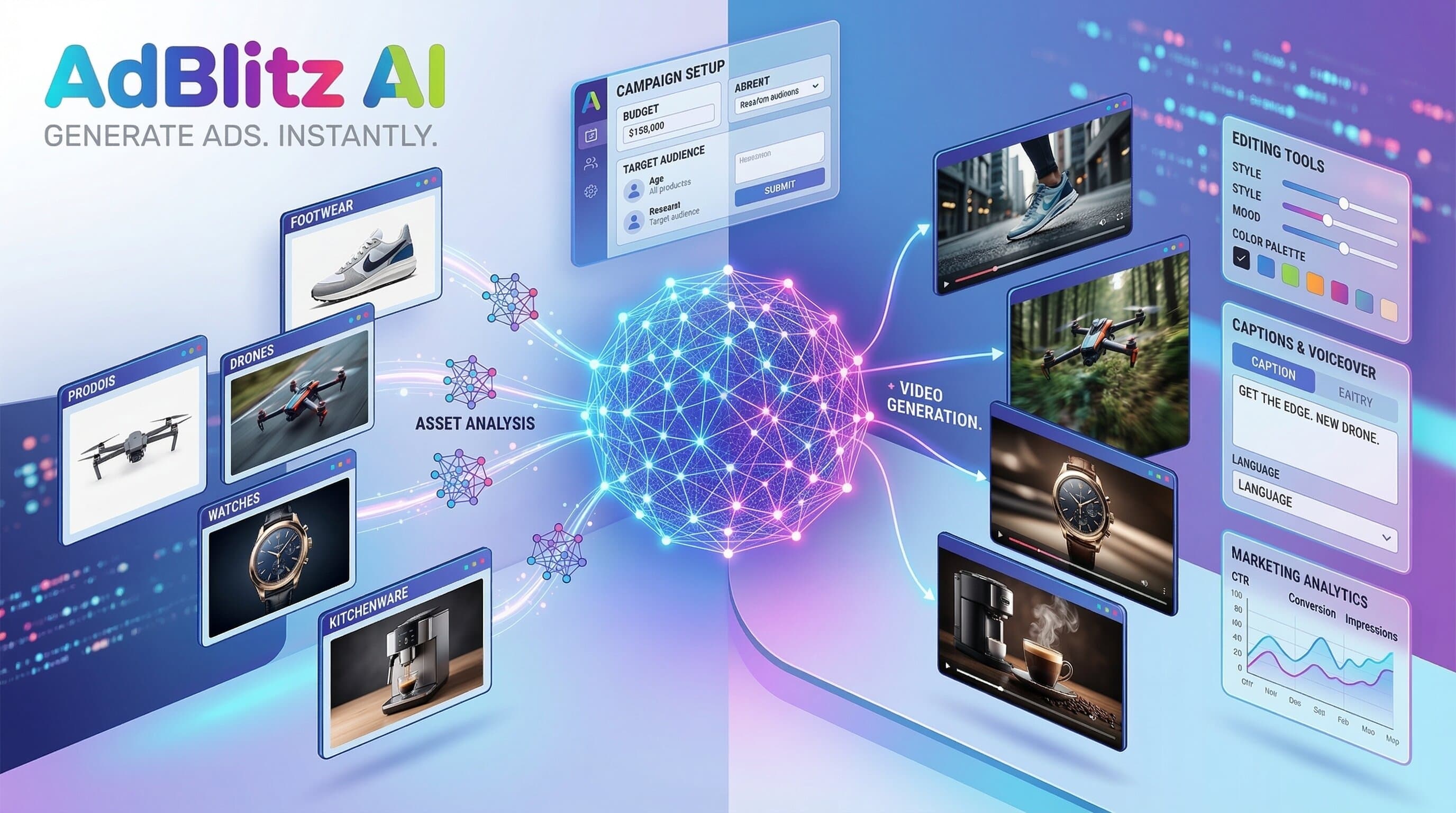
Creating AI-powered product video ads follows a streamlined workflow that replaces weeks of traditional production with minutes of automated generation.
Phase 1: Product Photography Preparation
The foundation of any AI-generated product video is the product image. While AI can enhance and transform images, starting with a quality product photo significantly improves the output.
Best practices for product photos used in AI ad generation:
- Use natural or studio lighting with even illumination
- Shoot against a clean, uncluttered background (white or neutral preferred)
- Capture the product from its most flattering angle
- Ensure the image is high resolution (minimum 1024 x 1024 pixels)
- Include the full product in frame with some surrounding space
You do not need professional photography equipment. A modern smartphone with good lighting produces images that AI ad generators can work with effectively.
Phase 2: AI Ad Configuration
Before generation, configure the following parameters:
- Ad category: Select the industry vertical that matches your product. AI ad generators like AdBlitz AI offer categories including General, Beauty, Fashion, UGC, Home, Fitness, Food, Tech, Apparel, and Beverages. Each category uses a specialized AI director trained on industry-specific advertising patterns.
- Number of scenes: Choose 2-6 scenes based on your ad length needs. For social media ads, 2-3 scenes (15-30 seconds) are optimal. For YouTube or longer-form content, 4-6 scenes provide more storytelling depth.
- Aspect ratio: Select 9:16 for vertical social media ads or 16:9 for horizontal YouTube and display ads.
- Product description: Write a detailed description including the product name, key features, primary benefit, target audience, and any specific selling points.
- Optional inputs: Upload influencer reference images for UGC-style content, product packaging images for unboxing scenes, brand logos for closing scenes, and background music URLs for custom audio.
Phase 3: AI Generation
The AI processes your inputs through multiple stages:
- A language model generates the creative script with scene descriptions, voiceover text, and visual direction
- Image generation models create the visual content for each scene based on your product photo and the script
- Voice synthesis models produce professional voiceover narration
- Video generation models animate the scenes with motion and transitions
- A composition engine assembles all elements into a finished video with synchronized audio and visuals
This process typically takes 3-10 minutes depending on the number of scenes.
Phase 4: Review and Iteration
After generation, review the video ad. If specific elements need adjustment, you can regenerate with modified inputs — adjust the product description to change the messaging angle, try a different ad category for a different visual style, change the number of scenes to alter the pacing, or add or remove optional inputs.
The ability to quickly iterate is one of the key advantages of AI generation over traditional production.
Phase 5: Campaign Deployment
Deploy your finished video ad across your advertising platforms:
- Google Ads: Upload to YouTube and create video ad campaigns targeting your audience
- Meta Ads (Facebook/Instagram): Upload through Meta Ads Manager for Feed, Stories, and Reels placements
- TikTok Ads: Upload through TikTok Ads Manager for In-Feed and TopView placements
- YouTube Shorts: Publish vertical versions as Shorts for organic reach alongside paid promotion
- E-commerce platforms: Add product videos to your Shopify, Amazon, or WooCommerce product pages
Optimizing AI Product Video Ads for Performance
Create multiple variations. The most successful advertisers generate 10-20 variations per product and let the advertising platform's algorithms identify the top performers. Test different descriptions, categories, scene counts, and aspect ratios.
Test different hooks. The opening scene determines whether viewers watch or scroll past. Create variations that lead with different angles: the problem your product solves, a surprising statistic, a bold claim, or a visual that stops the scroll.
Match content to funnel stage. Top-of-funnel awareness ads should focus on the problem and the category. Mid-funnel consideration ads should highlight specific features and benefits. Bottom-of-funnel conversion ads should focus on social proof, pricing, and urgency.
Refresh creative regularly. Ad fatigue sets in quickly on social media. Plan to refresh your creative every 2-4 weeks with new variations. AI generation makes this sustainable because new variations cost virtually nothing to produce.
Analyze and iterate. Review performance data weekly. Identify which product descriptions, categories, and scene structures generate the best results, and use those insights to guide future ad generation.
Ready to create AI-powered commercial ads?
Try AdBlitz AI Free